Ask the question. Yori shows you the number.
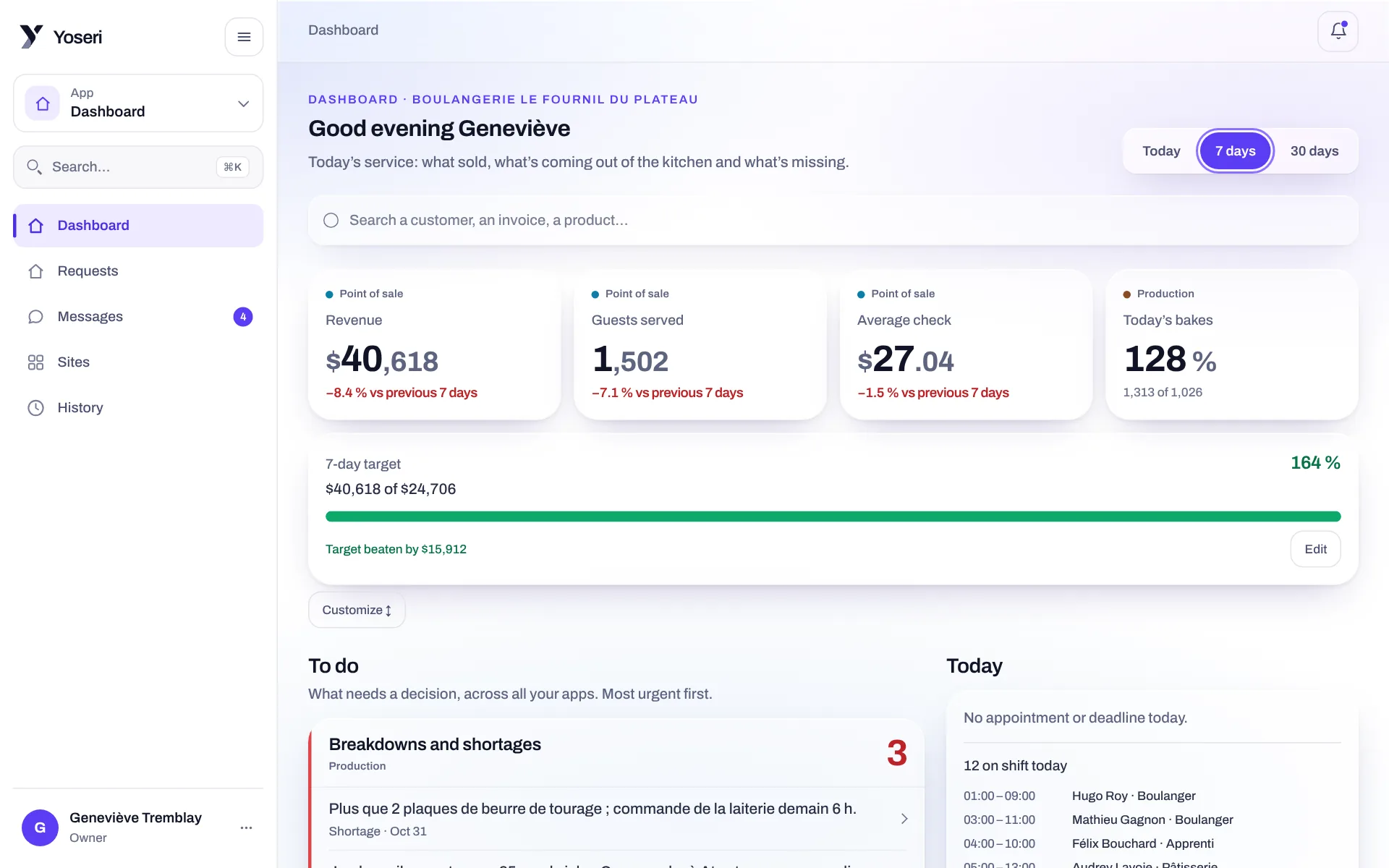
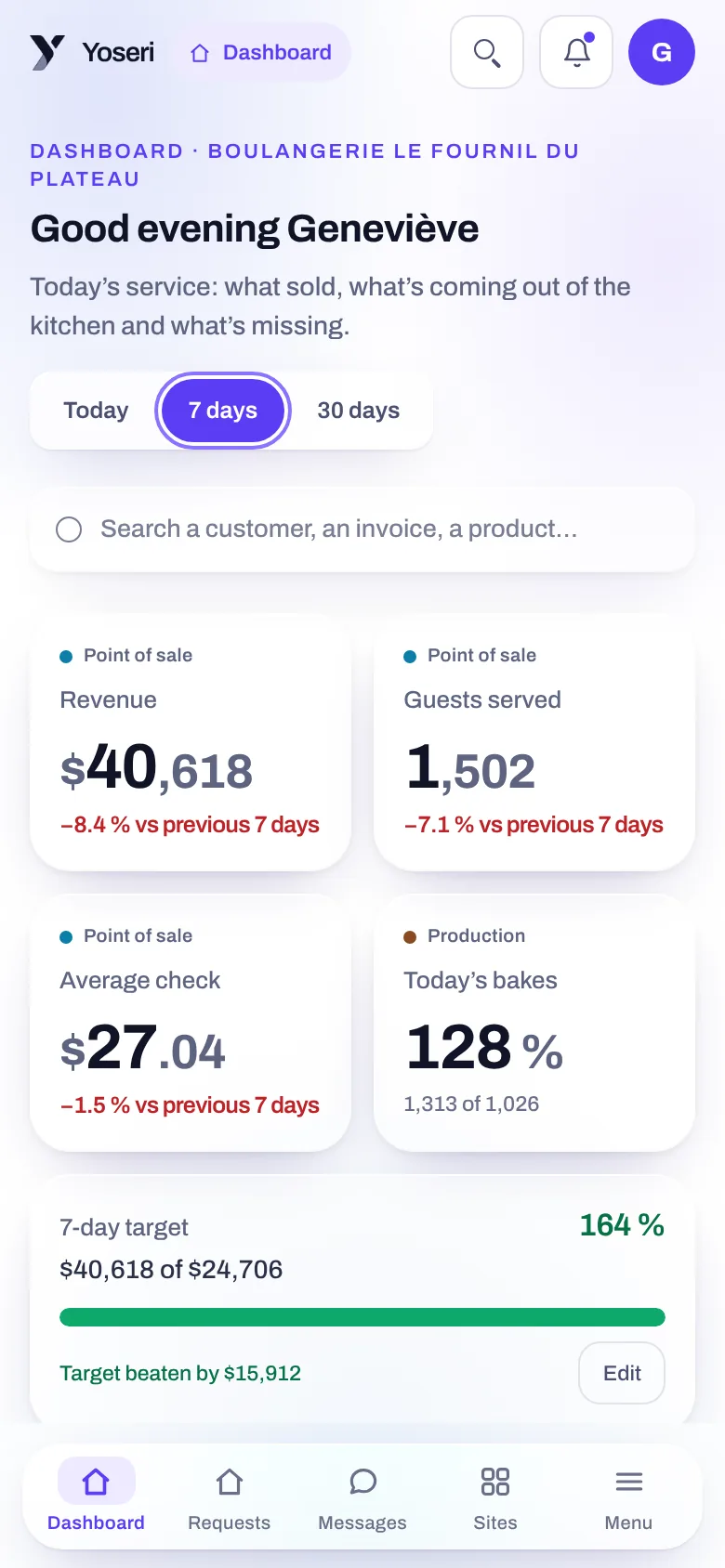
“How much did I sell this week?” Yori answers with the number, the exact period it measured and the lines that back it up. From any screen of the console, with the rights of your role.
“How much did I sell this week?”
The question, asked from the console’s header, in your own words.
The exact period
The week from Monday to now, or the dates you named.
The lines behind the number
The tickets, the invoices or the shifts, one by one.
According to your role
An amount closed to you stays hidden, never shown as zero.
Everyday questions, without hunting for the screen.
Your sales
What you sold, the number of tickets, the average basket, today, this week or this month.
Your best sellers
What sells the most over the period, with the quantities.
Invoices and quotes
Unpaid or overdue invoices, quotes awaiting an answer.
Stock, losses, hours
Products running low, the week’s losses, the scheduled hours.
A number, and what you need to check it.
Yori does not throw out a figure. Each answer says what was counted, over which period, and shows the lines that make up the total.
- The period spelled out: “week from Monday to now”, so you know exactly what was counted.
- The detail under the number: the tickets, invoices and shifts that make it up.
- Compared when you ask: this week against last week, this month against the one before.
The number
The total you asked for, in the right unit: dollars, tickets, hours.
The period
Today, the week, the month, or your own dates.
The lines
What makes up the total, to reopen and check it.
The comparison
The previous period alongside, when you ask for it.
Yori is where you already look at your numbers.
The Yori button sits in the header of the whole console. Opened from the register, invoices, quotes, stock, losses or the schedule, it arrives with that screen’s question already written: you read it, change it if you like, and send it.
- From the dashboard: a long press on a widget opens Yori on that number and the same period.
- Without leaving your screen: the answer appears next to what you were doing.
- In English or French, in your own words, with no formula to learn.
It counts. You decide.
Yori reads your numbers and shows them to you. The rest is yours.
It decides nothing
Not what to order, not what to bake, not whom to schedule. It gives numbers, not opinions.
It changes nothing
No order placed, no invoice sent, no setting changed. Your question is not kept.
It shows no more than your role
An employee cannot get, by asking Yori, an amount that is closed to them. Pay is never read.
Your numbers stay yours
Your business’s numbers are never sent to an outside service. Hosted in Canada.
Questions about Yori
What questions does Yori understand?
Questions about your numbers: what you sold, the number of tickets, the average basket, best-selling products, unpaid invoices, quotes awaiting an answer, low stock, losses, scheduled hours, and the comparison with the previous period. You ask in English or French, in your own words.
Can an employee see my sales by asking Yori?
No. Yori answers with the rights of the person asking. If an app or a screen is closed to them, Yori says so; if an amount is closed to them, it stays hidden, never replaced by a zero. No question ever reads anyone’s pay.
Can Yori tell me what to order or what to change?
No. Yori gives you the numbers and the lines behind them: low stock, the week’s sales, losses. The decision stays yours. It changes nothing either: it places no order, sends no invoice, touches no setting.
Where do my business’s numbers go?
Nowhere else. Yori works on your own sales, at Yoseri, and your business’s numbers are never sent to an outside service. Your data stays hosted in Canada, and your question is not kept.
A question about your numbers? Ask Yori.
Open a demo and ask Yori what the bakery sold this week. Sign-ups are on a waitlist: the launch date will be announced soon.